Comparing Images Using Split Display
- You have already acquired images with an extended depth of focus which you want to compare to each other.
- To compare images click
 .
.
- The split view opens.
- On the Split Display view options tab, define an arrangement of two Columns and two Rows.
- Four image containers are displayed in the Center Screen Area.
- Move the different images from the Image and Documents gallery into the Center Screen Area via Drag & Drop.
- The comparison of all four methods (Timer, F12-key, Z-stack without shift, Z-stack with shift) shows identical resulting images.
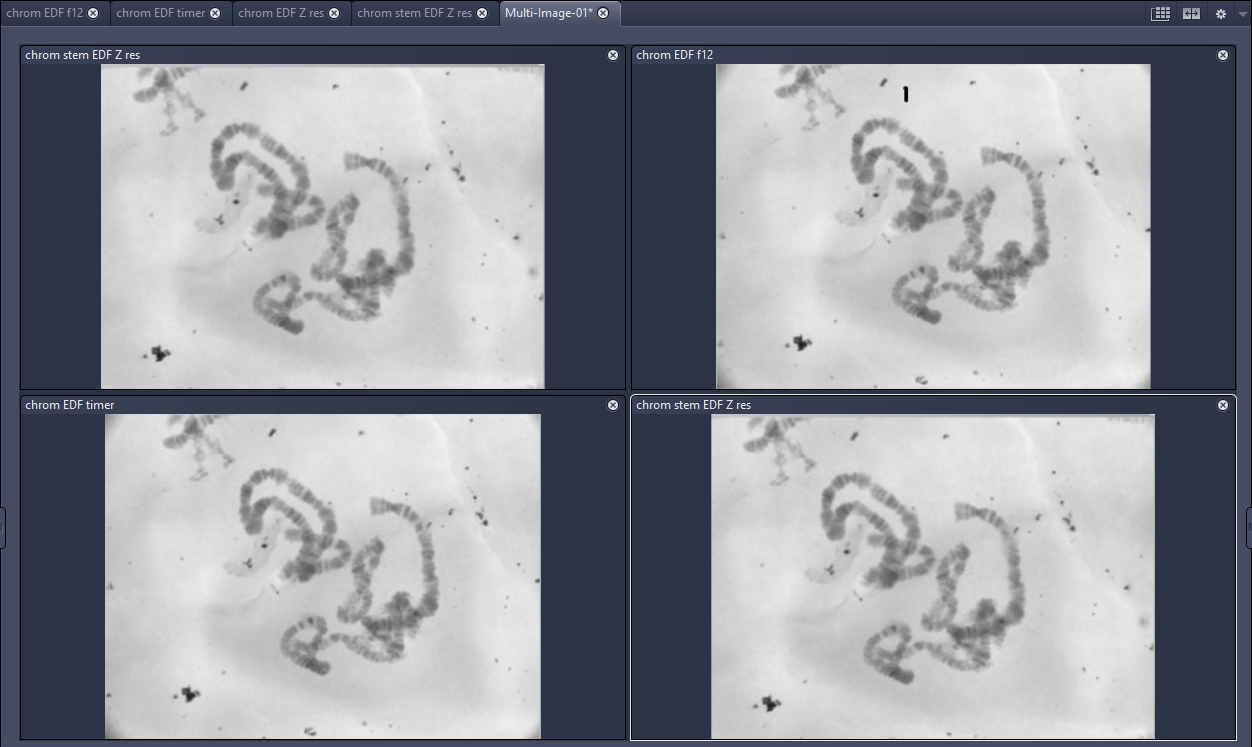 Image comparison with multi image