Defining a Standard Template
- The Standard Template Editor is open.
- Open step Define Technical Cleanliness Standard.
- The following view is displayed.
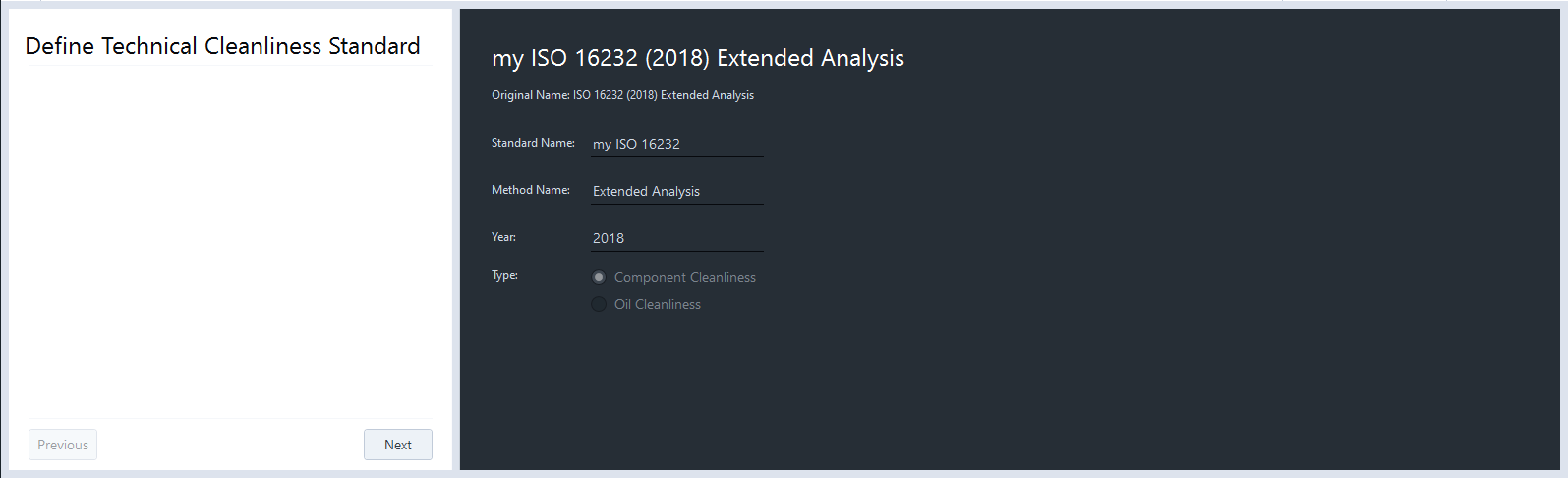
- Fill in data in the Standard Name field, Method Name field, and Year field.
- In the Template is Based on Standard field it is displayed which standard your modified template is based on. This information is displayed in the Report.
- The selected template is used in the respective job template for component or oil cleanliness.
- The information is used for the template name in the order Standard name (year) method when saving the template.
- The information is also used in the Technical Cleanliness Standard Selection tool. This tool is located in the first step of the job template.
- The Type is preselected and depends on the application. The following types are available: Component Cleanliness and Oil Cleanliness.
- Click Next.
- The step Basic Template Settings opens, see Defining Basic Template Settings.