Defining Basic Template Settings
- You have defined the standard name.
- Open step Basic Template Settings.
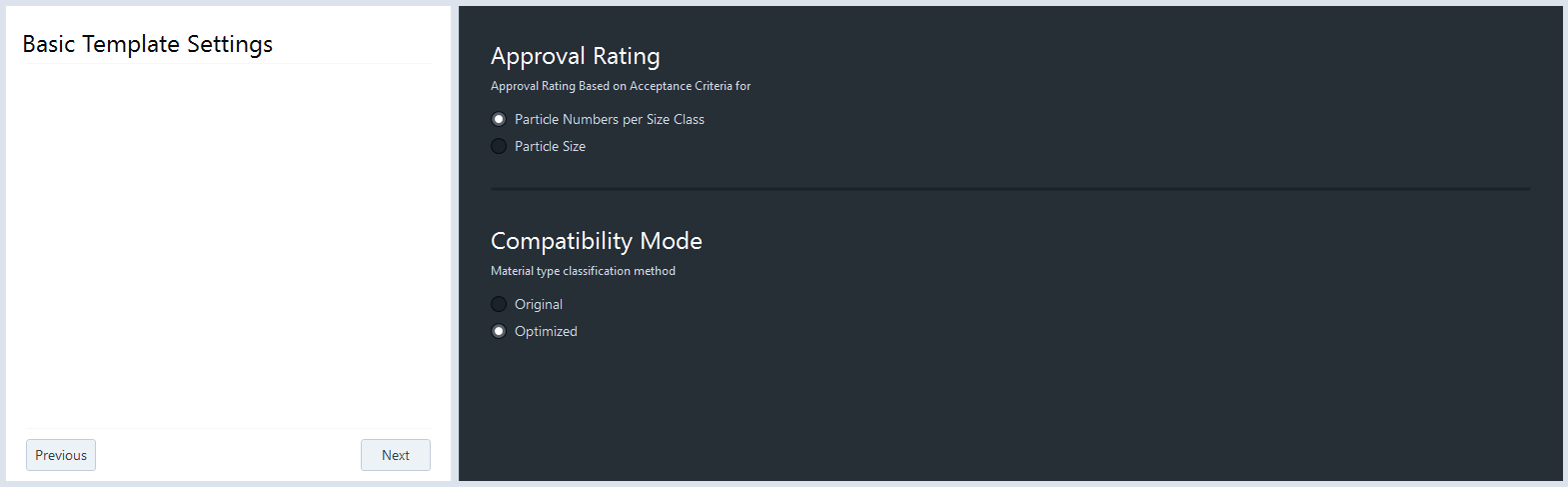
- The following view for component cleanliness testing is displayed.
- The following view for oil or lubricant testing is displayed.
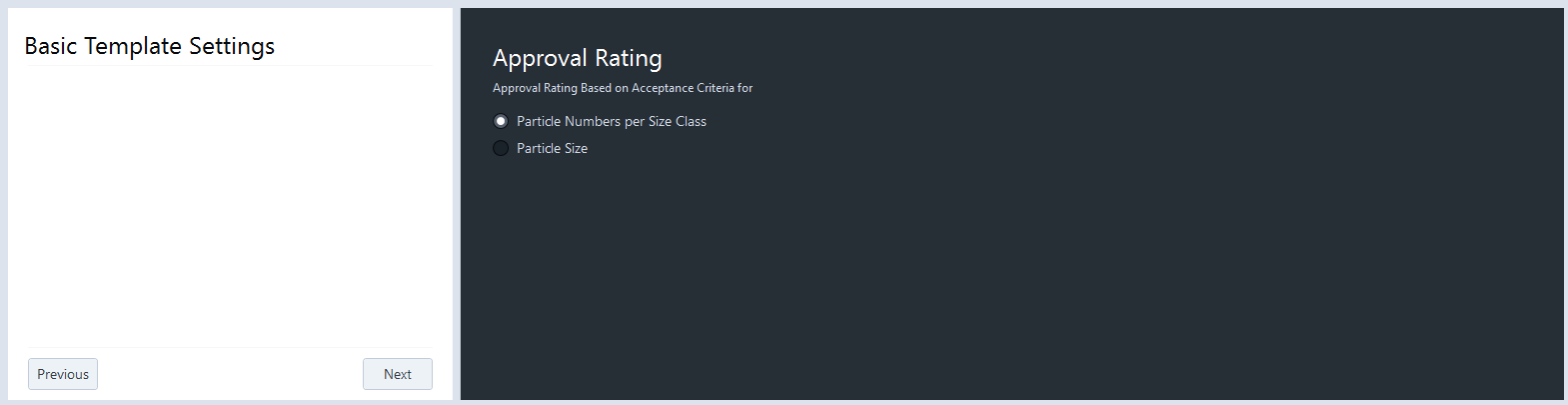
- In the Approval Rating section, select the approval method and define individual acceptance criteria based on the following:
Select Particle Numbers per Size Class to display the results in the Size Distribution view in the class chart and in the class table diagram, see Class Chart - Diagram.
Select Particle Size to display the results in the Size Distribution view in the scatter plot, see Scatter Plot. Note that only the selected approval criteria is applied (by number or by size). If you want to apply both approval criteria at the same time, generate a second standard template and add both standard templates to the job template.
- The impact of the acceptance criteria is displayed in green color indicating particle results are below the defined limits; red color means that particle results are above defined limits.
- To filter particles exceeding the defined limits, click the Filter NOK button in the Size Distribution view either in the histogram chart or in the scatter plot depending on the selected acceptance criterion.
- If no acceptance criteria is defined, the corresponding table and/or chart is colored in gray.
- In the Compatibility Mode section (only available for component cleanliness testing), select the applied measurement condition. The fiber definition is identical in both measurement conditions and according to VDA 19.1.
− Select Original to use the original measurement condition to differentiate the particle types.
− Select Optimized to use the optimized measurement condition to differentiate the particle types, available with ZEN core release v.3.11 and later. The optimized mode provides an enhanced automated detection of darker metallic particles which leads to shorter result inspection time.
- The selection is displayed in the applied parameter table under Particle type differentiation as Original condition or Optimized condition.
- Click Next.
- The Define Length Classes step is displayed, see Defining Length and Width Classes (Workbench Area).