Using an Intellesis Object Classification Model for Image Processing
- You have created and trained an object classification model, see Creating and Training an Intellesis Object Classification Model.
- You are in Free Mode or Job Mode and have added the Intellesis Object Classification tool.
- You have opened the analyzed image(s) for which you want to use the classification model.
- In the Intellesis Object Classification tool, click
 .
.
- The Open Template dialog opens.
- Select the Model you want to use for object classification and click OK.
- If you want to display all statistical features in the result table (and not only the features that were selected in the image analysis), activate Append Classification Features to Result Table.
- Click Apply.
- The objects in your image are now classified based on the trained model.
- The classified image is displayed, and the table is updated, including the label for each object and the confidence.
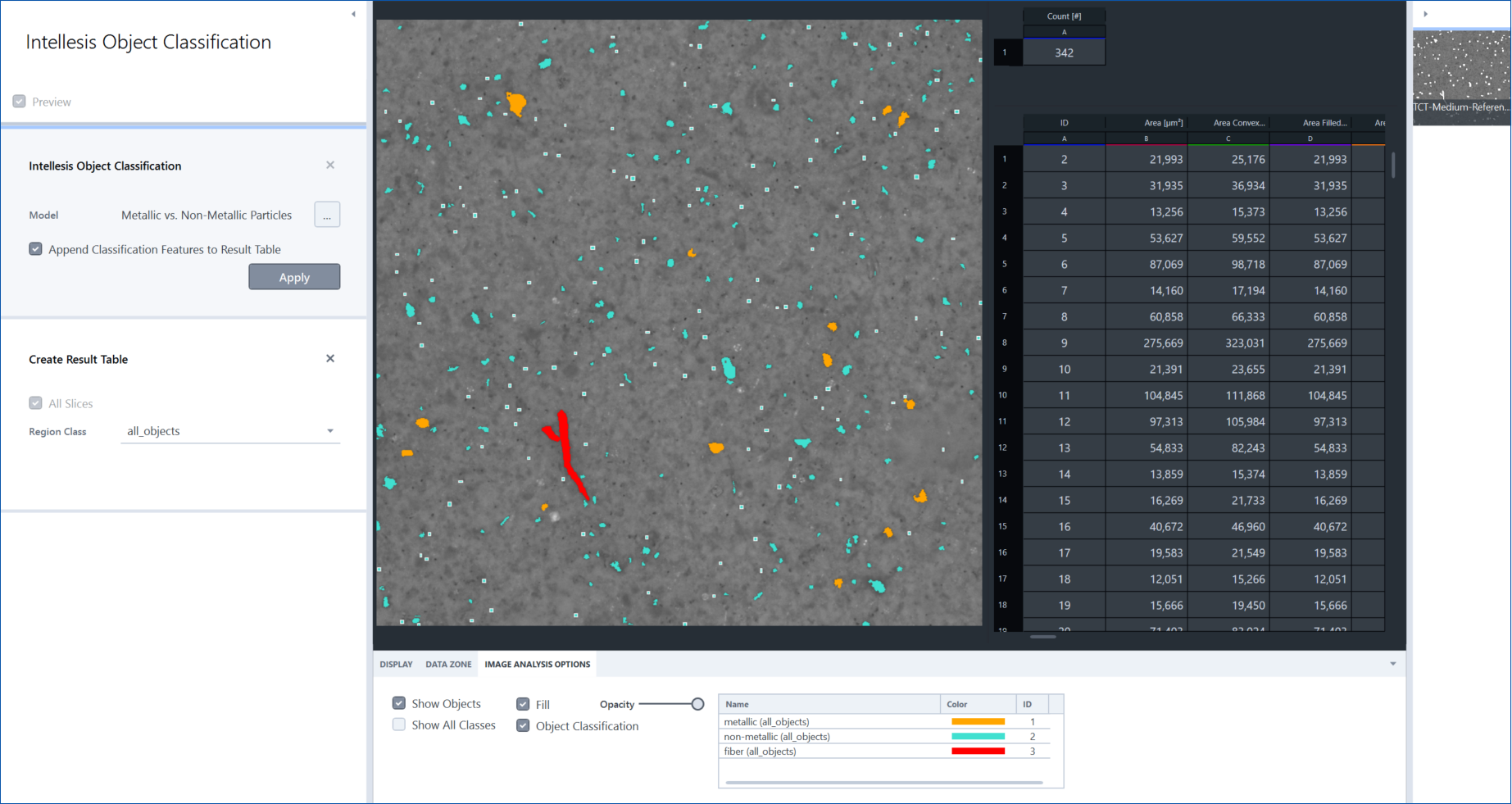
- You can now extract a result table (including classification result and analysis features) with the Create Result Table tool and subsequently create a table with only your classification result using the Category Histogram tool for table processing.