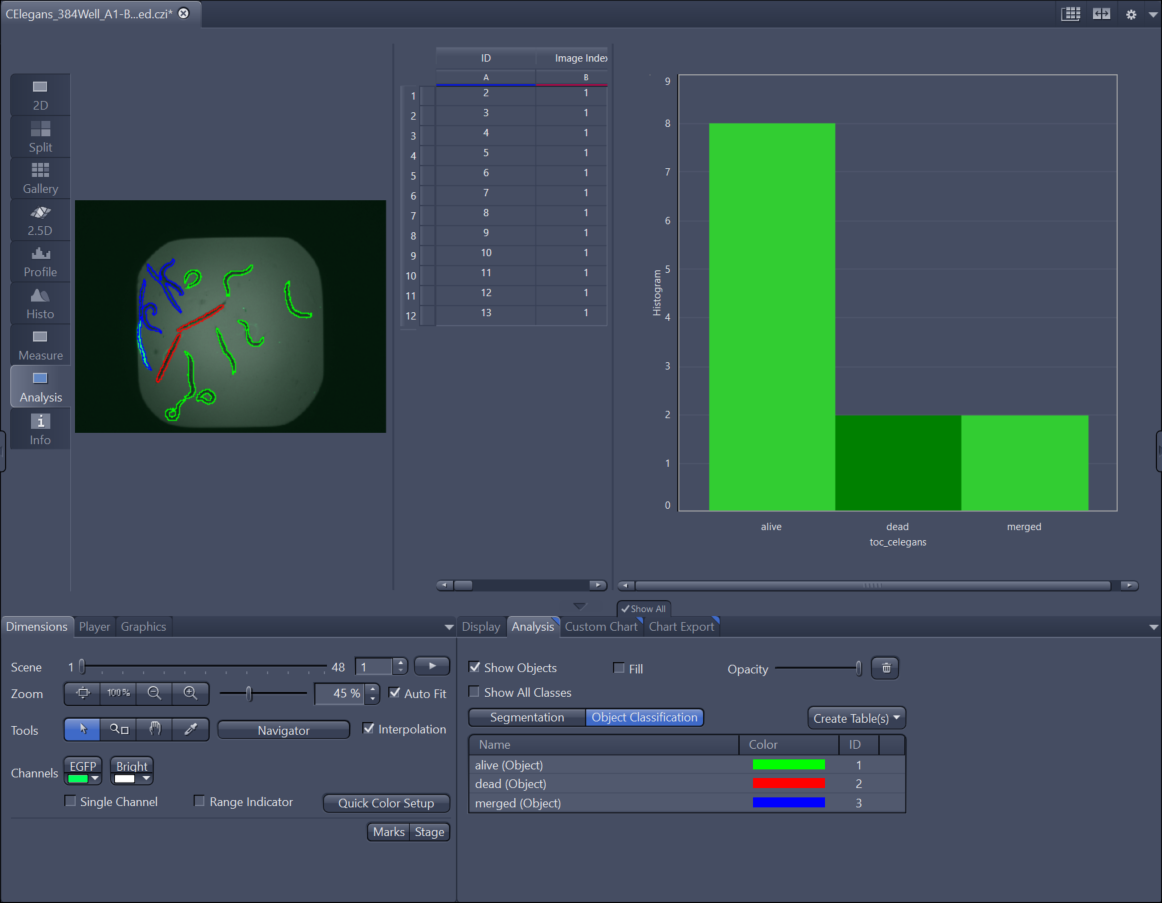
Using an Intellesis Object Classification Model for Image Processing
- You have created and trained an object classification model, see Creating and Training an Intellesis Object Classification Model.
- You have opened the analyzed image(s) for which you want to use the classification model.
- On the Processing tab, select the function Intellesis Object Classification.
- Parameters are displayed.
- Make sure that in the Input tool the correct image is selected.
- The image is selected.
- In the Parameter tool, select the Model you want to use for object classification and click Apply.
- The objects in your image are now classified based on the trained model. To view the result (table) you can switch to the Analysis View. There you can see all measurement values in the table and adapt the chart to display your object classification results with the Custom Chart tab as well as select your objects in the Analysis Tab.