The sample is usually mounted on a carrier or directly on a sample holder. Select the appropriate sample holder for your configuration when you configure your project.
We offer specific sample holders and carriers with certain markers, e.g., "L"-markers or others. These CorrMic sample holders are necessary for a Shuttle & Find workflow. Note: If you change the holder/carrier after a S&F calibration, the S&F calibration needs to be redone.
- You have loaded a ZEN Connect project.
- In the button bar below the Image View, click the Select Carrier/Holder button.
- Select a template you want to add to your ZEN Connect project, and click OK.
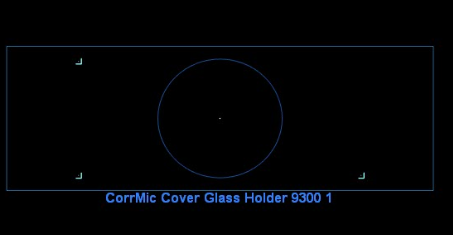
- The frame of the selected template is displayed in the Image View of your ZEN Connect project.
- To deselect the carrier/holder, click the Select Carrier/Holder drop down list and select Clear/Carrier Holder.
For information on correlative sample holders, see Correlative Sample Holders.
Zoom to Extent icon.
and select Zoom to extent.