Inspecting Results
- You have run a TCA job and saved it to the archive.
- You are in Browse Results mode.
- Select the Inspection-View-Document in the format .PADB and click
 .
.
- A view very similar to the Size Distribution view is displayed. The tools display statistical and approval information. You can use all filter functions.
- In the Image Gallery, select a particle and click the icon in the top right corner.
- The Inspection View view opens.
- In the Image Gallery, select the particle you want to inspect.
- The particle is centered in the view.
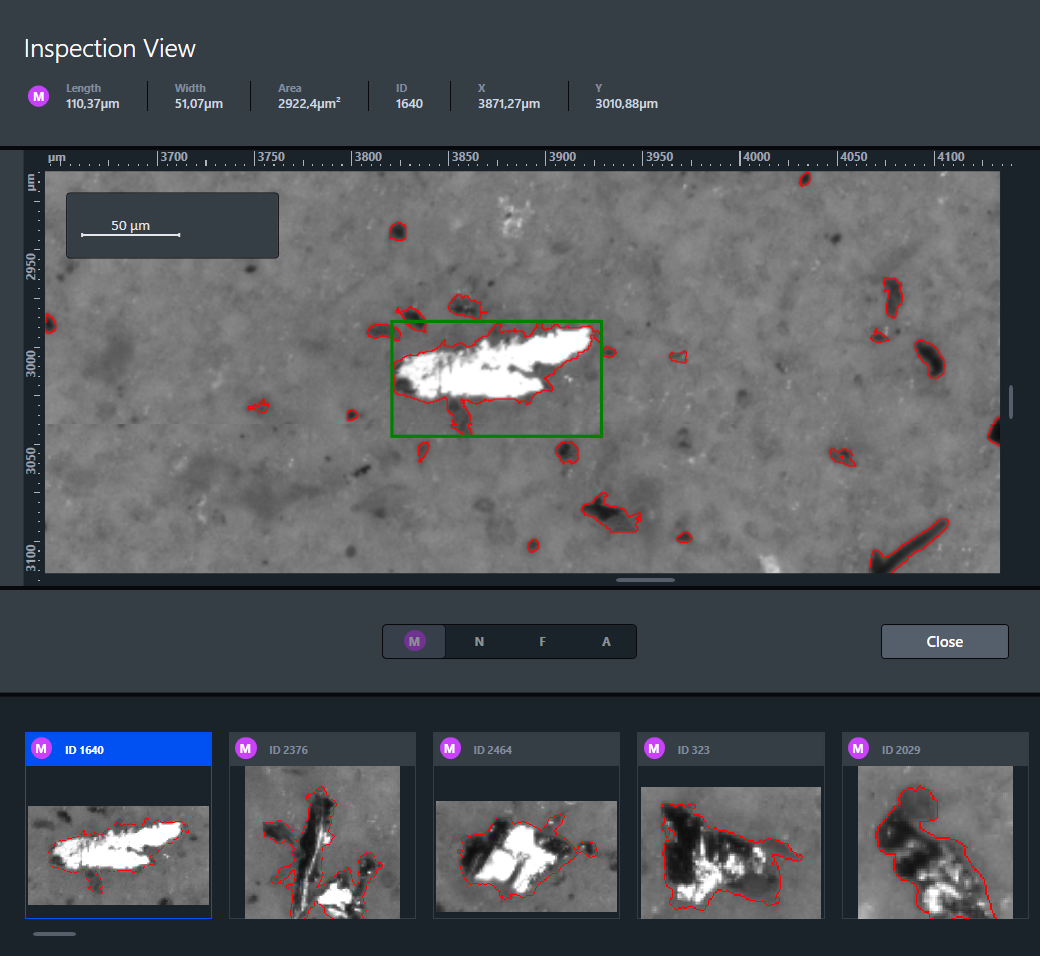
- You can zoom in and out to inspect the particle.
- When you have finished the inspection, click Close.